




Rolldorado App – iOS and Android Application
If you’re already used to our website, the Rolldorado app can make your gaming experience even better – and without any extra effort. You’ll get the same familiar interface but free from browser clutter and with all the convenience of a native application. Plus, our solution doesn’t use many of your device’s resources, so it has less impact on your phone’s battery.



Rolldorado Application: Features and Benefits
You can read plenty of reviews and see thousands of positive ratings on the Roll Dorado app page. And that speaks for itself. Our users especially like the solution for the following advantages:
- Security – Our app is a PWA, so it runs over a secure HTTPS protocol, which helps protect players’ data from theft. In addition, at Rolldorado Casino, we use reliable anti-fraud systems.
- No-download access – Not all of our users want to take up space on their device with another application. That’s why you don’t need to free up memory to install the Rolldorado app – it uses only a few kilobytes.
- Quick launch – Our solution lets you open your profile with just one tap on the icon. So you won’t have to search for the Rolldorado website in your browser history.
- Clean interface – Even though our app follows the design of the main website, it doesn’t include distracting elements like the address bar, browser tabs or pop-up windows.
- Offline mode – Some pages in our application are available even without an internet connection. If you’ve opened them before, you can view the saved information again without worrying about loading errors.
That’s exactly why the Roll Dorado app is a great middle ground between a website and a native app. It supports all the features of our platform but doesn’t put much strain on your device.
How PWA Gameplay Differs on Mobile and Desktop
As a progressive web app, our solution is compatible with all devices. The Roll Dorado app works equally well on screens ranging from 360 to 390 pixels wide, as well as with a resolution of 1920×1080.
It doesn’t matter if you’re using a smartphone, tablet or laptop – all features stay the same. However, you may notice some small differences between the mobile and desktop versions.
| Aspect | Mobile Experience | Desktop Gameplay |
| Access | The app icon appears on your home screen just like any other application, so it feels like regular mobile software. | The shortcut is available from the taskbar, the Start menu (Windows) or Launchpad (macOS). |
| Full-screen mode | Launches in immersive mode without browser tabs or address bars. | Opens in its own separate window. Depending on your operating system, Back and Forward buttons may still be visible. |
| Offline usage rate | Players rely on it more often, especially while traveling or in low-connectivity areas. | Offline access is less important because desktop internet connections are usually more stable |
| Updates and data loading | The app actively caches data to help save battery life and mobile data usage. | It also uses caching, but most users may not notice much difference in loading speed. |
| Removal | Can be removed like any other app by deleting the icon from your device. | You can just unpin the shortcut and remove the PWA through your browser settings. |
When it comes to functionality, the Rolldorado app behaves just like native mobile apps and programs on your computer. That way, our players get a known interface and the expected workflow but don’t need to download heavy files from app stores.
Roll Dorado App for iOS
If you’re using this operating system on your device, you don’t need to go to the App Store to download our app. You can install it from our website as a PWA, which runs in your browser and is fully compatible with Safari.
One of the main advantages of our app is that it doesn’t interact with the iOS system without your permission. So even if you enable camera access for live games, the application doesn’t read your contacts, scan files on your device or use other data without your approval.
On top of that, you can use Face ID and Touch ID on your iPhone and iPad to add an extra layer of security when logging into Rolldorado Casino.

Rolldorado Casino Application for Android
Our solution is available for all Android devices. And thanks to service workers and partial offline mode, it runs stably even on the earliest versions of this operating system.
You can get all the latest casino news in a convenient way. In the Roll Dorado app, you can enable push notifications – that way, messages from us will appear at the top of your phone screen.
Also, our application features built-in WebRTC for uninterrupted video playback. So you don’t have to worry about the speed or quality of our live casino streams. The same applies to other game genres such as online slots, Instant Win and more.
Why Choose PWA over the Rolldorado APK Version
For the Rolldorado app, we’ve chosen the PWA format because it’s simple and convenient. APK files can range from 1 MB for basic utilities to 1 GB or more. But our application takes up very little space on your device, so you’ll hardly notice any change in your storage after installation.
In addition, the Rolldorado Casino solution updates automatically – all changes happen in the background. So there’s no need to go to Google Play, download a new version and spend time on manual installation.
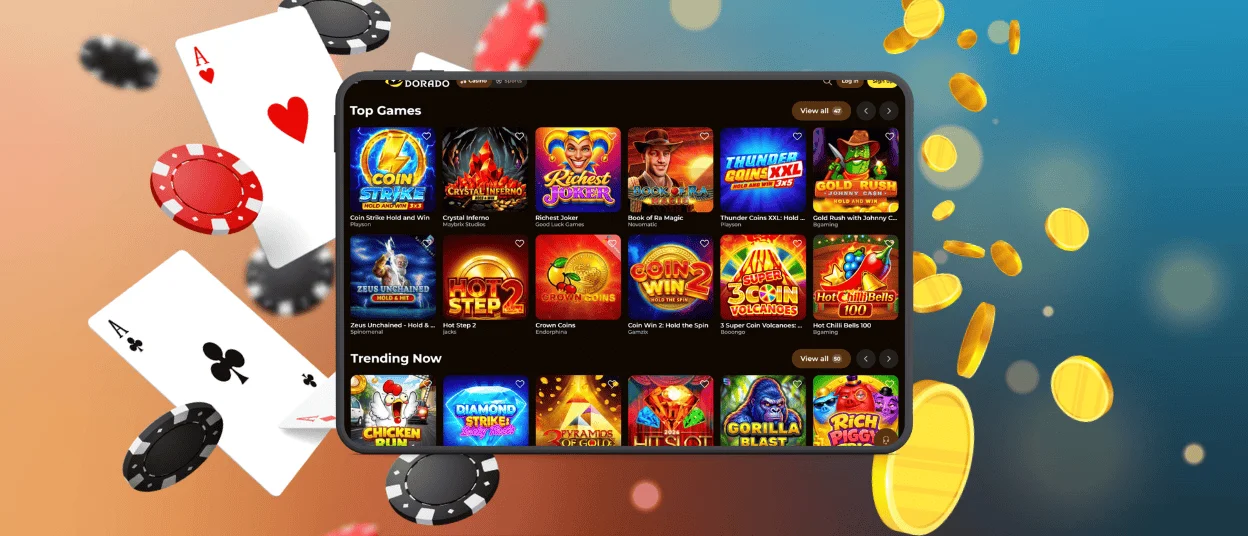
Play Roll Dorado Casino on Mac & Windows
Our PWA is optimized for desktop devices as well. While mobile phones are controlled by taps, here you can interact with our platform using clicks. The interface also automatically adjusts to fit even the widest monitors, including displays with a 3440×1440 resolution.
The Roll Dorado app works like a full-fledged system program. For example, after installing our application, you can pin it to the taskbar. Also, you can minimize the window or close it – your session won’t be interrupted.
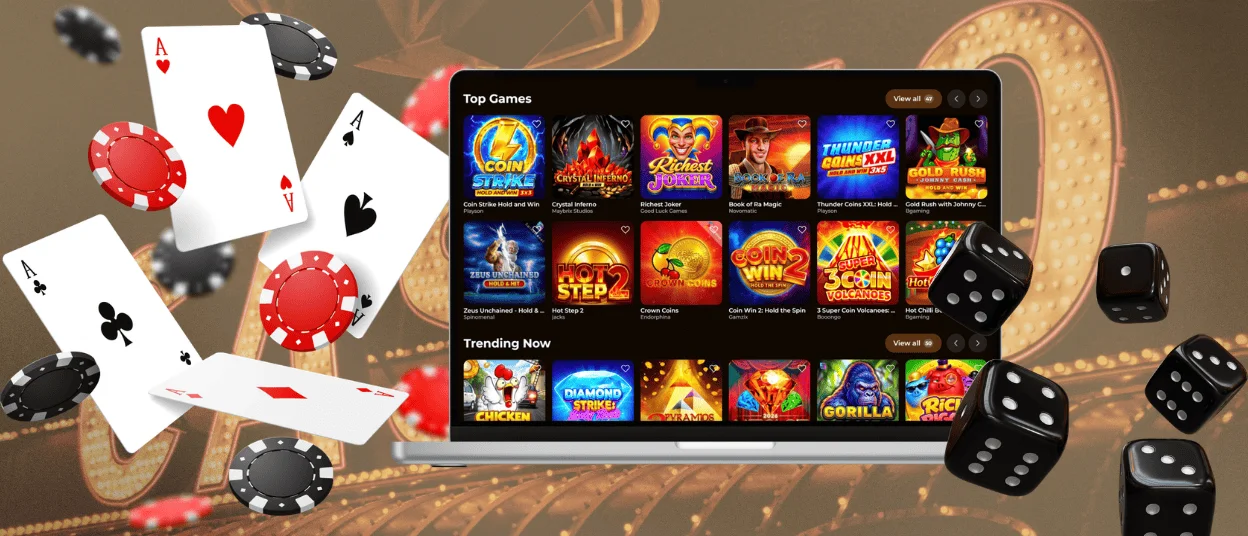
How to Install the Rolldorado App on Any Device
On the Rolldorado Casino platform, you’ll find an option to install our app – it’s completely free, so any user can easily get it on their device. You’ll just need to follow a few simple steps:
- Open our website on your phone, tablet or computer
- Select the Casino App icon and go to the app’s page
- Click/tap the Install or Add to Home Screen button, depending on your device
- Wait for the process to finish – it usually takes no more than 1 minute
- Find the app icon on your home screen and log in
Another advantage of our application is that you can save your login credentials. Thanks to this, the solution feels even more like a native app or system program – it takes just one action to launch the Rolldorado Casino platform.
FAQ
What is the key difference between the browser version of Rolldorado Casino and the PWA?
You won’t notice any major differences in design or functionality. Both ways to access our platform are stable and easy to use. However, some PWA features make your gaming experience even better, especially when playing at the mobile casino. So you get faster performance, an optimized interface, quicker loading times and the ability to use some services offline.
Do I need to complete KYC to use the app?
No, you don’t have to go through the verification process for that. You can do it at any time that’s convenient for you – just remember to complete the procedure before your first withdrawal. If you want to do it directly through the Roll Dorado app, you can send your KYC documents right there. To do that, click the live chat button and reach out to our experts.
What should I do if the PWA isn’t working or won’t open?
Our app is based on browser technology, so its performance depends on the cache. Try clearing it or reinstalling the application. If that doesn’t solve your issue, please contact the Rolldorado Casino support team.


